
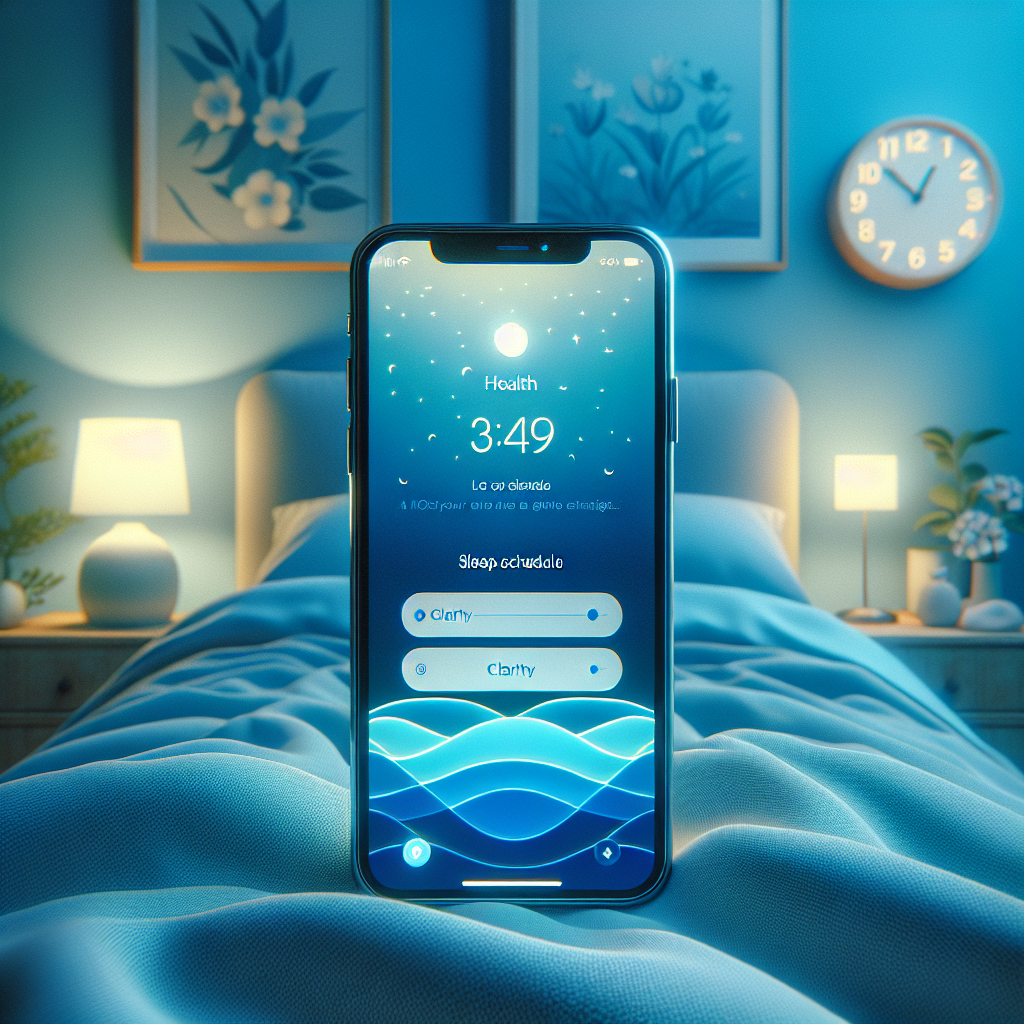
How to Set Up Sleep Schedules in iOS for Better Sleep Management
In today’s fast-paced world, prioritizing a good night’s sleep is more crucial than ever. Establishing a consistent sleep schedule is a key step towards enhancing overall health and well-being. Fortunately, with the iOS Health app, setting and maintaining sleep routines is easier and more efficient. This article will guide you through the importance of sleep schedules, explore iOS features that aid in sleep management, and provide a step-by-step guide to setting up your ideal sleep schedule using iOS.
Understanding the Importance of Sleep Schedules
Maintaining a consistent sleep schedule is vital for achieving optimal health. It helps regulate your body’s internal clock, making it easier to fall asleep and wake up naturally. Consistent sleep routines also contribute to improving mood, increasing daily productivity, and enhancing cognitive function. Good sleep hygiene can prevent health issues such as obesity, heart disease, and even depression. By sticking to a regular bedtime and wake-up time, you allow your body to establish a rhythm that promotes restorative sleep. This, in turn, fuels your energy levels, helping you tackle your day with vigor.
Features of the iOS Health App for Sleep Management
The iOS Health app is a powerful tool designed to assist users in tracking and enhancing their sleep patterns. Some of its key functionalities include:
- Bedtime and Wake-Up Alarms: The app allows you to set specific times to go to bed and wake up, ensuring you get the desired amount of sleep each night.
- Sleep Mode: This feature minimizes distractions by enabling Do Not Disturb during your scheduled sleep period.
- Sleep Analysis: Provides insights into your sleep duration and quality, helping you make informed choices about your sleep habits.
- Wind Down: This feature offers relaxing notifications before bedtime, allowing you to transition smoothly from wakefulness to sleep.
Users can adjust these features based on their lifestyle and preferences, personalizing their sleep experience for optimal rest.
Step-by-Step Guide to Setting Up a Sleep Schedule on iOS
Follow these steps to configure your sleep schedule on iOS:
- Open the Health App: Launch the app on your iOS device and tap on the ‘Browse’ tab at the bottom right.
- Search for Sleep: In the search bar, type ‘Sleep’ and select the Sleep option from the results.
- Set Up Sleep Schedule: Tap ‘Set Up Sleep’ and then ‘Get Started’ to initiate the setup process.
- Configure Your Sleep Goals: Input your desired bedtime and wake-up time, ensuring it meets your sleep needs.
- Enable Wind Down: Choose the duration of time you need to unwind before sleeping and customize the Wind Down options, such as meditation or reading time.
- Review Your Schedule: Confirm your settings and adjust them if necessary.
- Activate Sleep Mode: Ensure Sleep Mode is enabled to minimize disruptions during your scheduled sleep time.
- Save Changes: Once you are satisfied with your sleep settings, save them to start tracking your sleep.
Conclusion
Utilizing the tools and features of the iOS Health app can significantly enhance your sleep quality. By personalizing your sleep settings, you pave the way for better rest, improved health, and increased productivity. Explore your sleep settings today, and embark on a journey towards improved sleep and well-being. Remember, a regular sleep schedule is not just a routine—it’s a lifestyle choice that can greatly impact your life for the better.